Your cart
Your cart is empty
Continue shopping
Drawer menu
🔴 Please use your WhatsApp number so we can notify you when your order is ready for collection.
يرجى استخدام رقم واتساب الخاص بك حتى نتمكن من إشعارك عندما يصبح طلبك جاهزًا للاستلام.
تکایە ژمارەی واتساپی خۆت بەکاربهێنە، بۆ ئەوەی بتوانین ئاگادارت بکەینەوە کاتێک داواکارییەکەت بۆ وەرگرتن ئامادە دەبێت.
Installment payment is available exclusively to Iraqi government employees. If eligible, enter your Qi account number below; otherwise, leave this field blank.

Buy & Try for Business
Run your business on Mac for a full month. Love it, or return it. No risk for your business.

Available on MacBook Neo, MacBook Air and MacBook Pro.
The usual worries about switching, answered before you start.
A specialist helps you choose, and your team gets a free Learn & Create session.
Both run on Mac, so your team keeps working in the apps it knows.
We move your files, email and settings to the new Mac for you.
Mac and iPhone work together: calls, messages and files move between them.
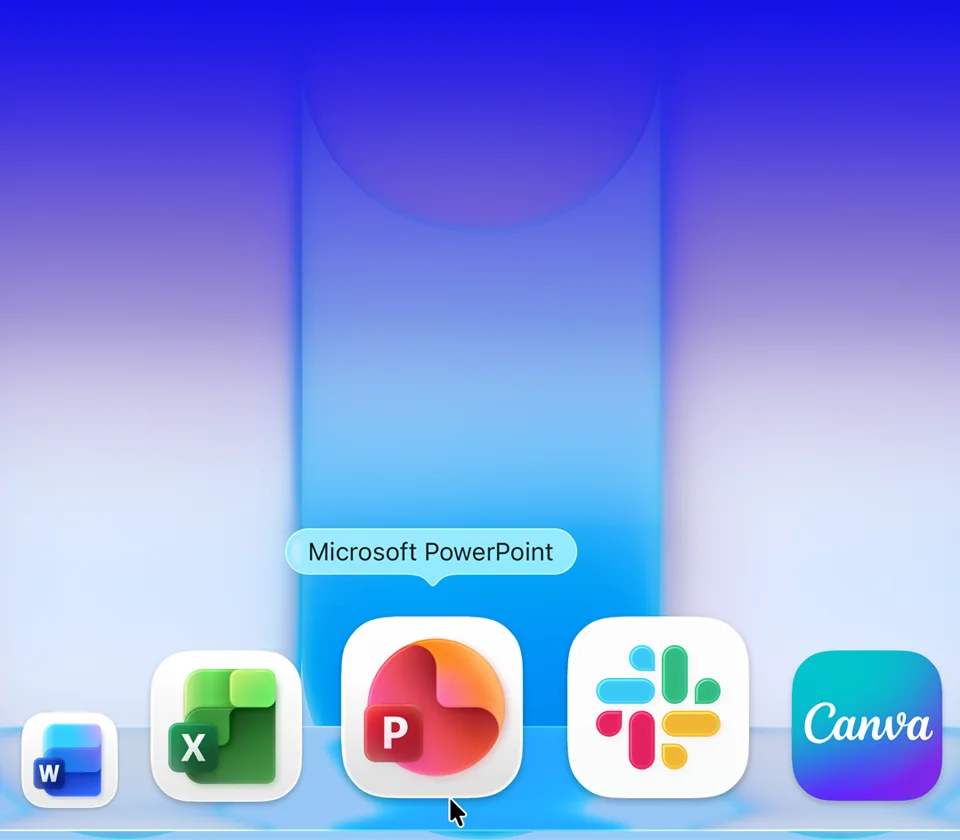
Microsoft Word, Excel and PowerPoint, Slack, Canva and more, ready on day one of your trial.1
Come to any iCenter showroom, or register online. Registration is required to take part.
Tell us what your team does. A specialist suggests the Mac that fits the work.
Pick MacBook Neo, MacBook Air or MacBook Pro. We set it up with the apps you use.
Use the Mac in your daily work for 30 days. We check in with you after 15 days.
Happy? Keep it and equip the team. Not right for you? Return it within 30 days under the terms below.
During your 30 days
iCenter helps you get the most out of your Mac from day one.
We set up your Mac with your email, Wi-Fi and the apps your team uses.
Files, email and settings moved across from your Windows PC.
A free Learn & Create session for you and your team.
Your specialist calls halfway through to answer questions.
Three simple steps, handled by your specialist.
Request a return online or in store, within 30 days of purchase.
Your specialist calls to set a time to bring the Mac to a showroom.
We confirm the Mac meets the terms below and complete your return.
Full terms and conditions: [link to full terms]
Registered businesses and professionals in Iraq. Buy & Try is not open to personal purchases.
MacBook Neo, MacBook Air and MacBook Pro.
Yes. Microsoft 365 and Google Workspace both run on Mac, and we can set them up for you.
If you're happy, you simply keep your Mac. Your specialist can help you equip the rest of the team.
Tell us online or in store within 30 days. Your specialist arranges a time, and we check the Mac against the terms.
Register
Register before or when you buy. We'll send your registration number and your specialist will call you.
Prefer to talk first? Ask a specialist.